
Broadcast - Advanced Channel Selection (Connection Check)
1-) Channel Selection and Onboarding Statuses
This section covers the connection checks on the "Channel Selection" screen, which is the first step of the Broadcast (Advanced Create) flow via the Supsis Ai panel. Thanks to this structure developed to prevent the accidental selection of WhatsApp Business API (WABA) channels whose integration (onboarding) has not yet been completed, it is understood at a glance which channels are ready for use.
1.a – Active and Selectable Channels
When you start the Advanced Create flow from the Broadcast menu, you will see the 1st step, the Channel Selection screen.
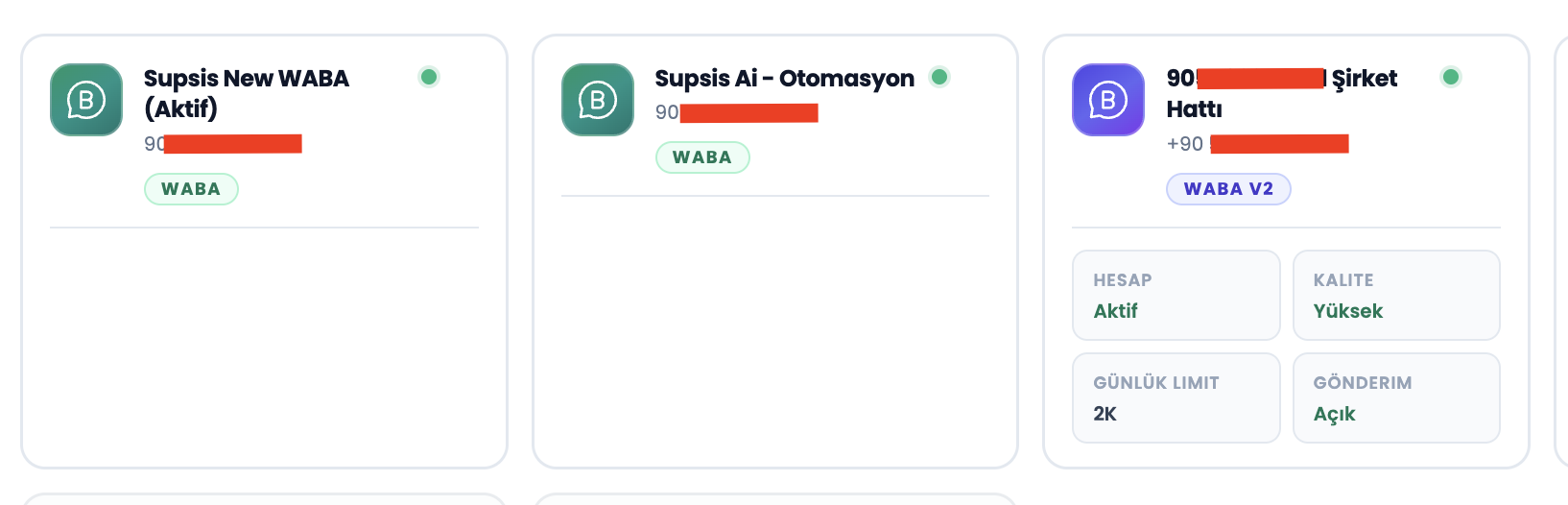
a – Ready-to-Use Channels
WhatsApp Business API channels whose connection and setup are completely finished (onboard process completed) are listed at the top of the list in a normal and clickable card view. You can proceed to the next step by selecting the channel you want to send from.
1.b – Unconnected (Disabled) Channels
Channels whose setup is not yet complete are not hidden from the list; however, they are shown in a locked state to prevent erroneous sends.
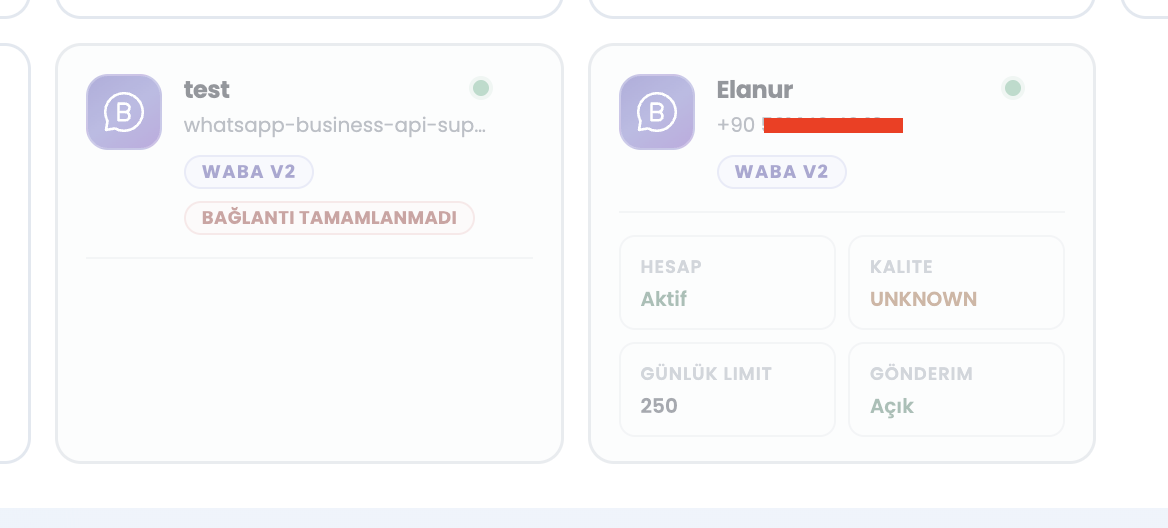
b – Disabled Channel View
Channels whose onboarding process is not complete are listed in a pale (gray) color just below the active channels.
c – "Connection Not Completed" Badge
There is a warning badge on the cards of these channels indicating that the setup is incomplete.
1.c – Warning Message and Setup Redirection
A bulk message cannot be sent from a channel whose connection is not complete. The user views this situation with a clear warning.
d – Click Warning
When the user clicks on a channel card that appears pale/disabled, an explanatory warning message (toast/modal) appears as "The connection of this channel is not complete yet. You must first complete the channel setup to send." In order to send, the approval process must be finished from the WhatsApp Business integration page of the relevant channel.

1.d – Example Usage Scenarios
The channel connection check feature ensures a secure sending flow in the following scenarios:
Newly Added Channels: It prevents a WABA channel that has been newly added to the system but whose Meta approval / onboarding process is not yet finished from being accidentally selected for a large broadcast list. Orderly Sorting: In businesses with more than one channel; operational speed is increased by keeping ready-to-send channels always at the top. Preventing Time Loss: Instead of starting a send from a channel without a connection and getting an error at the last step, the user is ensured to complete the integration with a clear warning right at the 1st step.
Note (WABA Message Rates and Price Calculator): Template message fees for bulk broadcasts sent via WhatsApp Business API are subject to Meta's updated country and category (Marketing, Utility, etc.) pricing rates. Before broadcasting, you can use the Supsis WABA Pricing Calculator (wabapricing.supsis.ai) to calculate your real-time message costs for target countries.