

What are Contacts Used For?
The Contacts module is designed to manage customer information in an organized way and provide quick access to it. Users can view contact records, update them, and reach relevant person details whenever needed. At the same time, chats and other interactions are linked to these records, helping customer processes become more structured and easier to track.
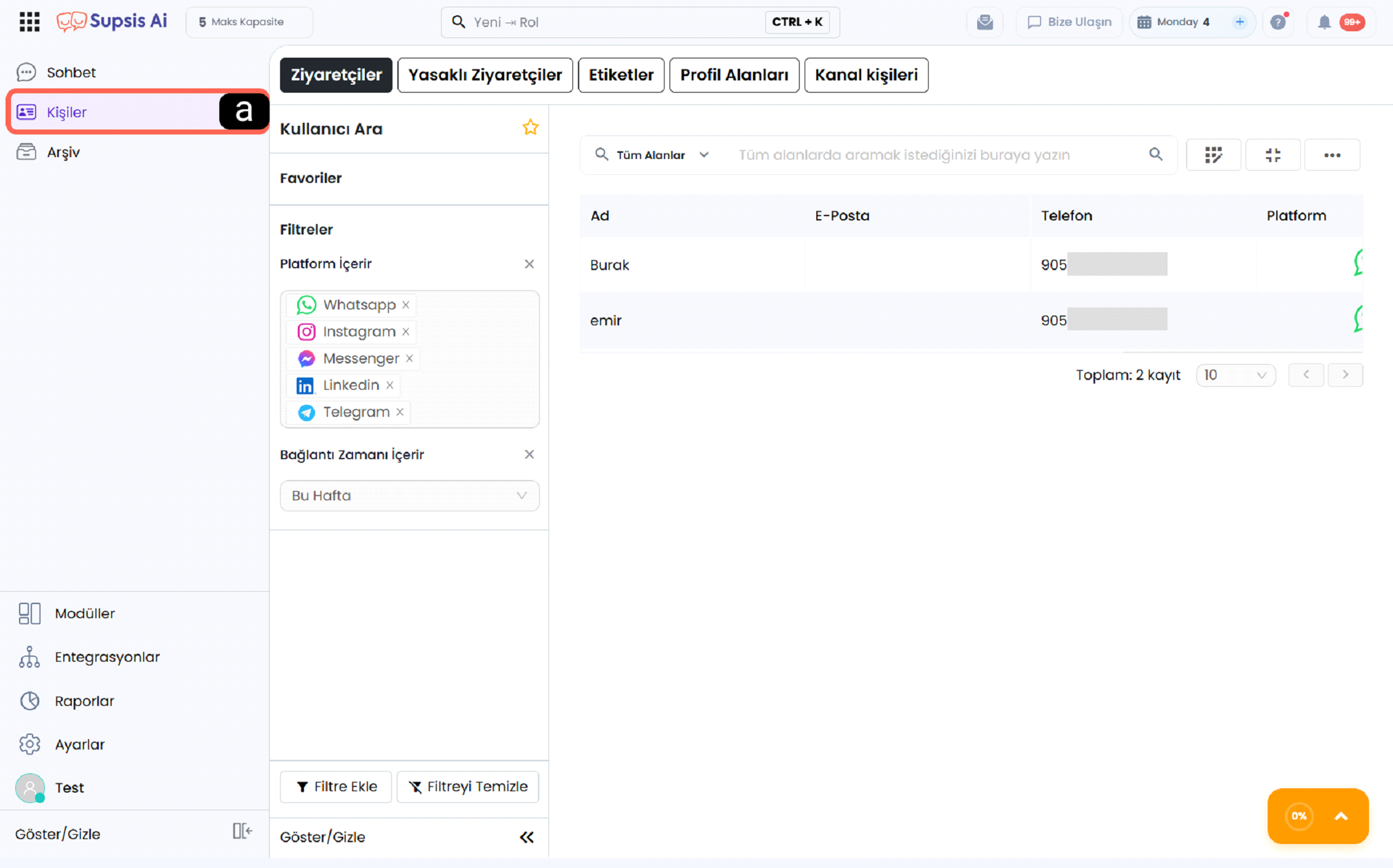
a - Contacts Menu
The Contacts option in the left menu allows you to navigate to the contact records screen. When clicked, the contact list, filtering options, and tabs for different groups are displayed.
What is Managed in the Contacts Module
-
Contact List View: All registered contacts in the system are listed in a single screen.
-
Tab-Based Categorization: Visitors, banned visitors, tags, and channel-based contacts are displayed in separate tabs.
-
Filtering Options: Contact records can be filtered by platform, date, or other criteria.
-
Contact Details View: Selected contact’s name, communication details, and other information can be displayed.
-
Favorites and Search Features: Contacts can be added to favorites and quickly found using the search field.
Through the Contacts Module, you can view and manage all people who contacted you via Supsis AI, were added manually, or came from different channels in one central place.
You can access all features of the Contacts module in detail through the sections below.
Table of Contents
Visitors
You can view, filter, export all person profiles registered in the system, and add new people.
Tags
You can segment people by tagging them and use them in filtering and automation processes.
Profile Fields
You can create and manage custom fields that will appear on contact cards.
Channel Contacts
You can view people coming from channels such as WhatsApp, Webchat, Mail on a channel basis.
Banned Visitors
You can view blocked visitors and manage sending and receiving bans.