
This area presents all communication platforms that Supsis can integrate with under a single unified view. By clicking on the relevant platform, you can view the channels connected to that platform and quickly access the contact cards of individuals you communicate with through those channels.
The Channel Contacts section aims to display users coming from different communication channels within a centralized structure and simplify channel-based contact management.
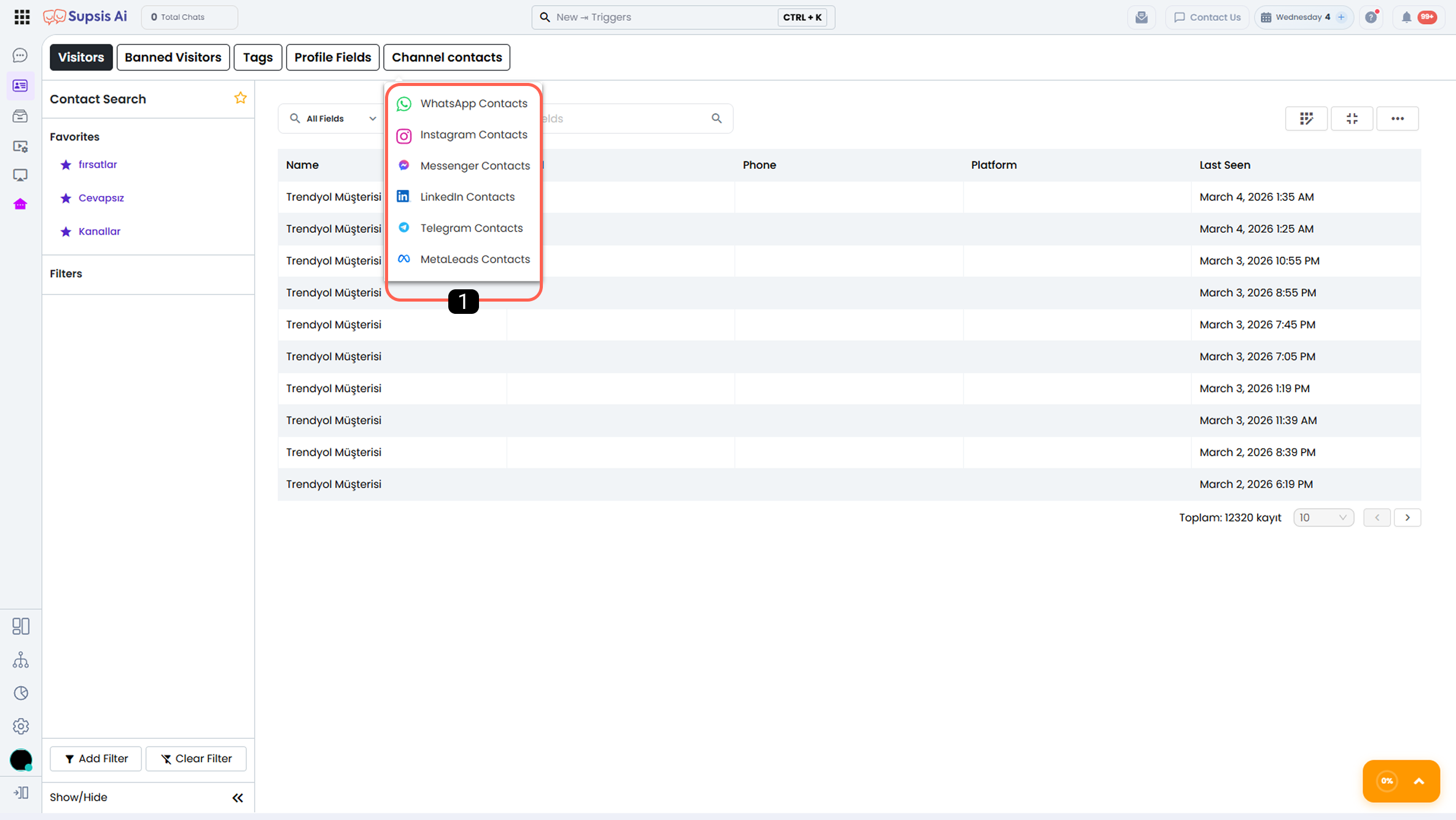
1-) Communication Platforms
All communication platforms integrated with Supsis are listed in this area.
Each platform includes one or more communication channels connected to it.
-
You can access the list of contacts coming through the channels linked to the selected platform.
-
By viewing the relevant contact cards, you can access profile information, chat history, and channel-based details.
Thanks to this structure, channel- and platform-based contact management can be carried out more quickly, systematically, and efficiently.

a. Channel Filter
The channel filter is an important tool used to view and manage customers coming from a specific channel. With this feature, in an environment where multiple channels are available, you can easily choose which channel’s customers you want to focus on.
b. Import Contacts from File
To import contacts from a file, first select the channel you want to import into. Then, click on the "Import Contacts from File" block. On the screen that opens, upload the appropriate file and allow the system to automatically add the contacts. With this process, contacts from your CSV or Excel file are quickly added to the system.
c. Start a Chat with Any Number
You can manually start a chat by entering a phone number. For this process, the phone number must be entered completely and correctly. The number is a required field to establish direct communication with the user, and having accurate information is essential for the chat to start properly.