
The System section located on the chat screen is the area where you can access historical transaction logs and chat automations related to Supsis chat records.
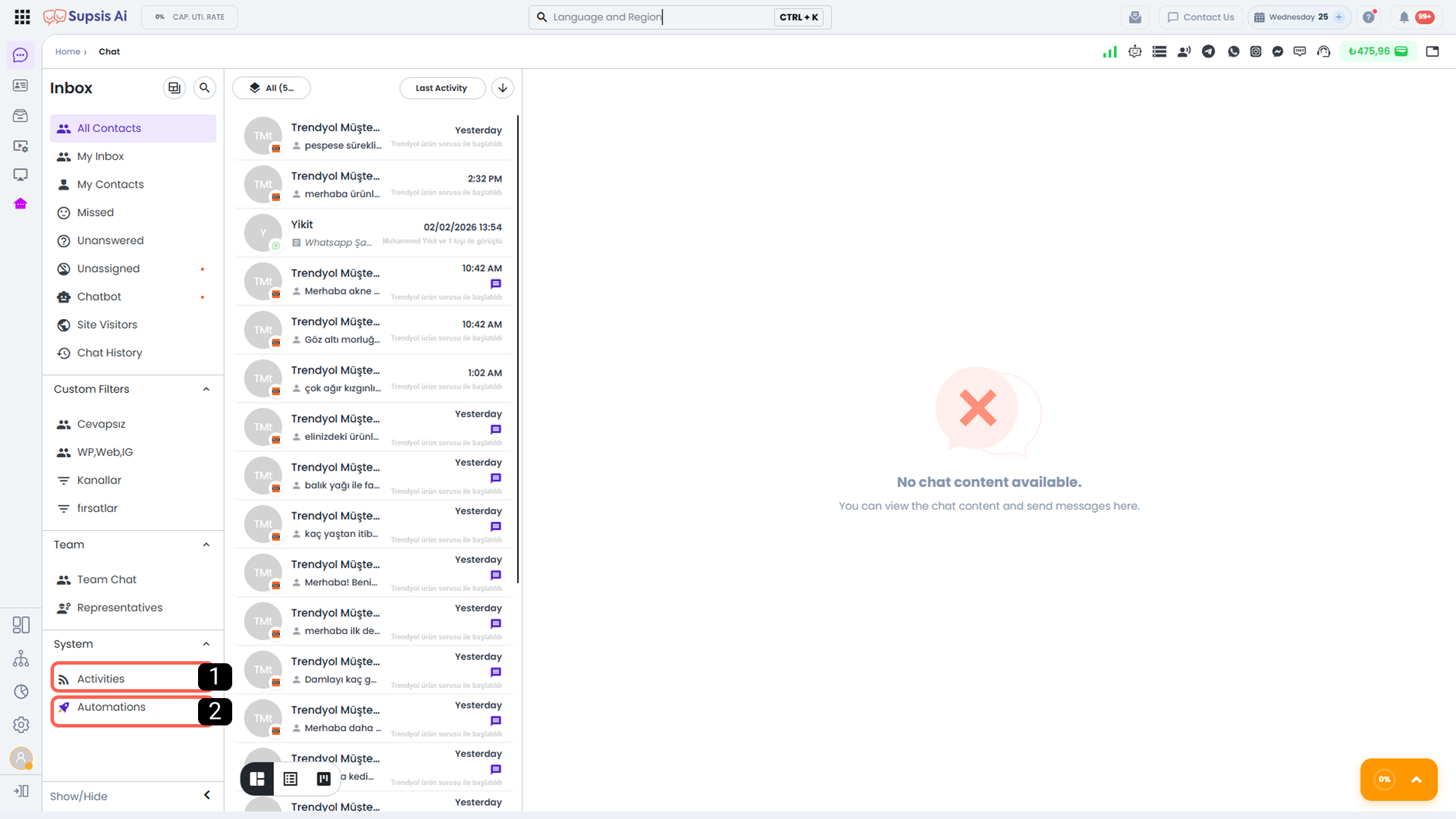
Activities
The Supsis AI platform records all user and agent activities on the system in detail. Through the Activities section, you can access a detailed log of all actions performed by agents and the system within the chat menu.
This area provides the ability to monitor and filter all actions such as routing, assignments, and agent interactions carried out during the chat process. Thus, managers can transparently view the actions performed by agents, supervise processes, and intervene quickly when necessary.
- 1.Activity Log
- 2.Filter Activities
1-) Activity Log
In this section, all actions performed by users and the system are listed in detail. For each activity, the activity type, the user who performed the action (or system/chatbot), date, and time information can be viewed.
This allows all actions that occurred within the chat menu to be tracked completely and transparently.
2-) Filter Activities
Through this area, activity records can be filtered according to specific criteria. Thanks to filtering options, the desired action or activity can be accessed quickly and easily.
-
2.a – User:
Allows filtering activities based on whether they were performed by a specific user, chatbot, or automatically by the system. -
2.b – Time Range:
By defining the date and time range during which the activities occurred, you can view only the actions belonging to the selected time period. -
2.c – Activity Type:
Allows filtering based on the type of action performed. For example; activities such as starting a chat, ending a chat, routing, assignment, or configuration changes can be separated through this criterion.
The Activities menu enables managers to effectively monitor the system, audit user and system actions, and intervene quickly when necessary.
Automations
This area provides a shortcut for quick access to automations triggered by chat actions.
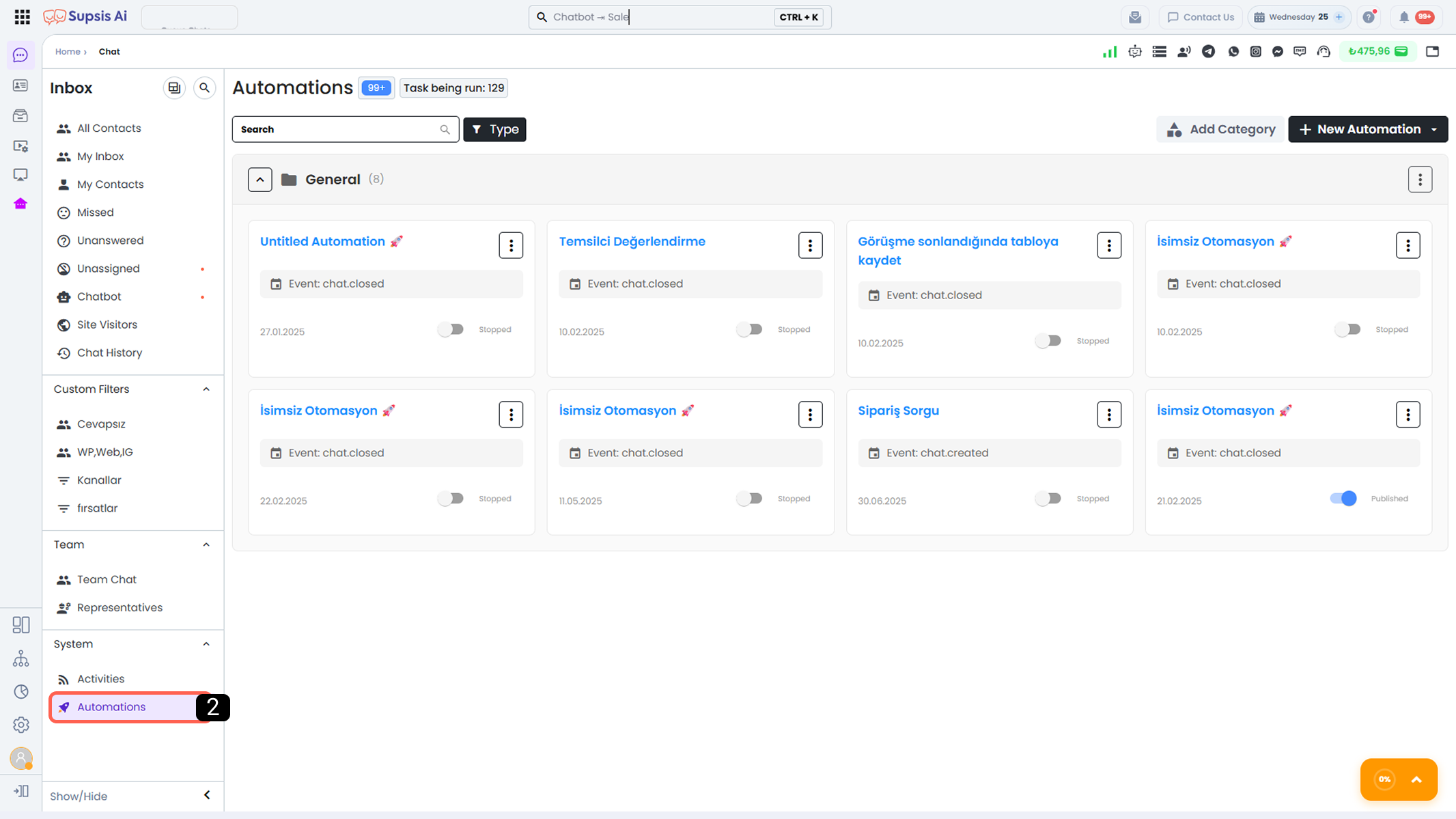
This type of automation allows automatic processes to be triggered at specific stages of a chat. These automations run automatically, for example, when a chat is created, when a chat is missed, or when a chat is assigned to an agent, and activate the actions defined in the automation diagram. Thus, processes proceed consistently and quickly without the need for manual intervention.
For more detailed information about chat action-based automations, please review the Chat-Based Automations documentation.