
2-) Using Drive Content
2.a – Using Content from Drive
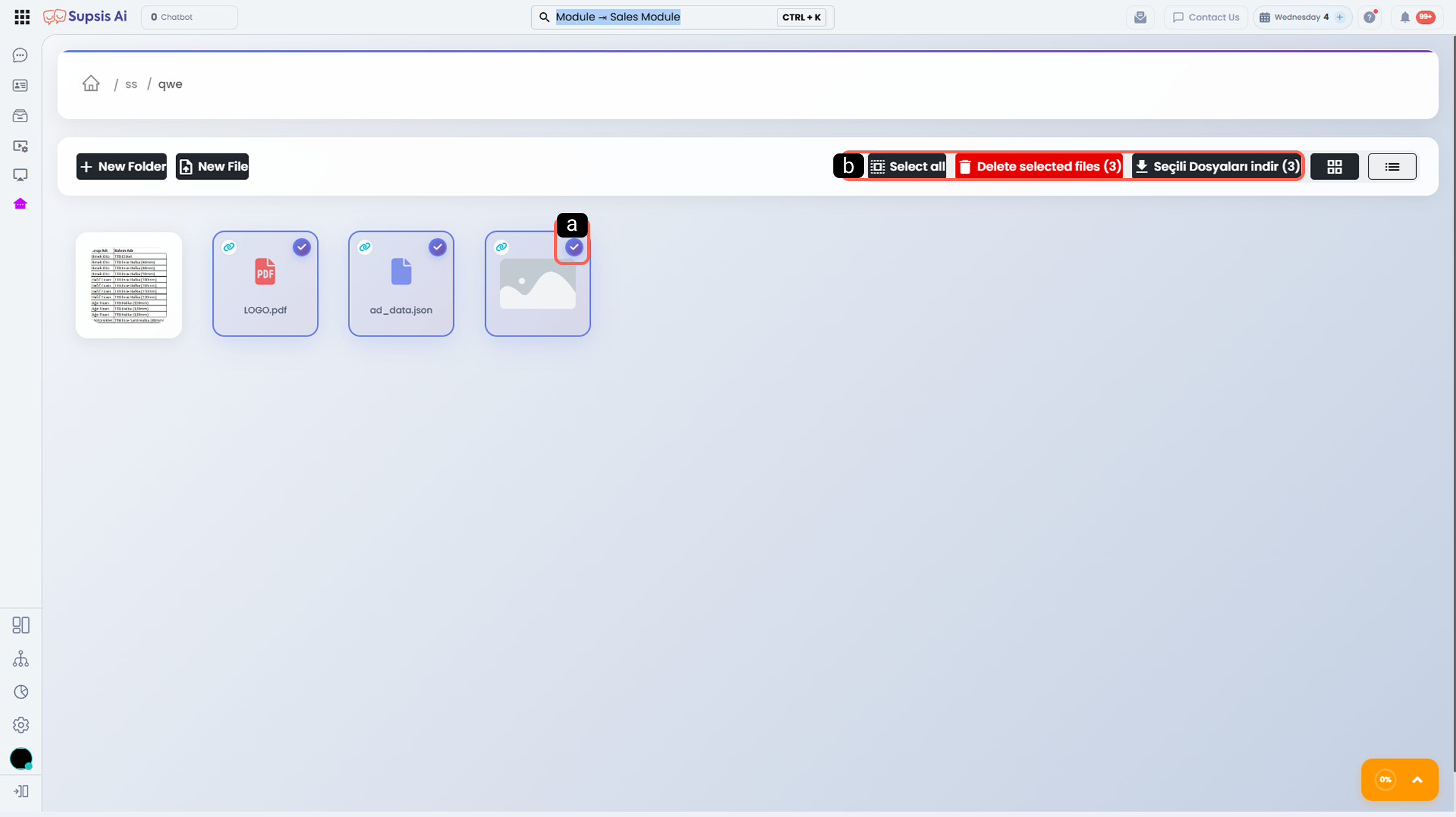
From the Drive screen, you can click on the relevant content to access it and perform bulk or individual actions by selecting files or folders.
-
a - Content Selection
Allows selecting files or folders. -
b - Drive Actions
Provides bulk or individual options for the selected content, such as delete, download, and select all.
2.b – Using Drive via Chat
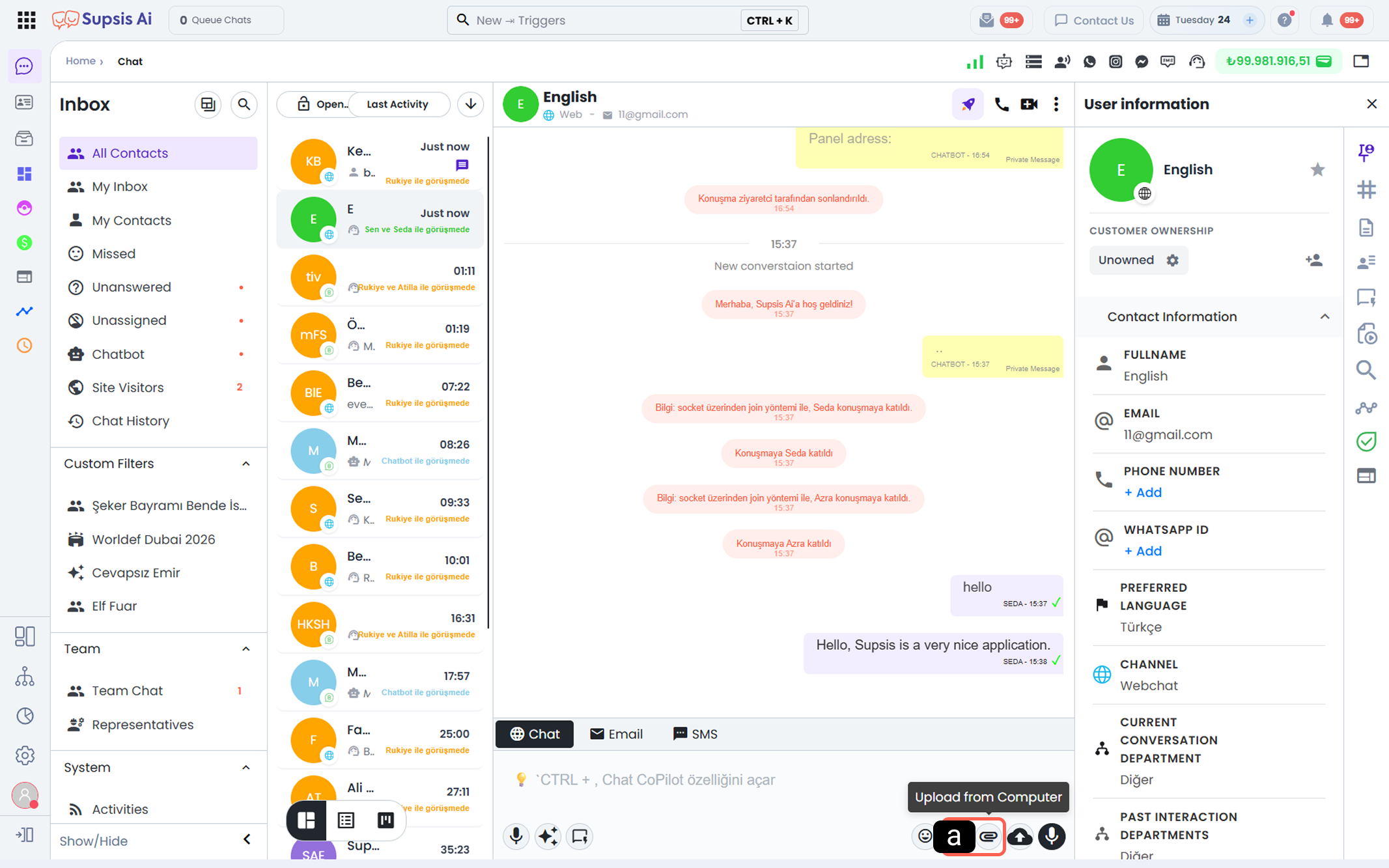
From within the chat screen, you can access Drive content using the file attachment area and share these contents with customers.
-
a - File Sharing
Allows selection from existing folders and files in Drive. -
b - Drive Sharing
Adds the selected Drive file directly into the chat conversation.